|
Centroid CNC12 v5.42 has been released
 Click here for the download link, release notes, and upgrade instructions
v5.42 is a free upgrade for all v5.4 License owners!
- Major CNC12 Mill User Interface and User Experience (UI/UX) improvements
- CNC12 Lathe UI/UX improvements
- Fixes and improvements for Router and Plasma users as well
 Click here to use the CNC12 License Upgrade Checker
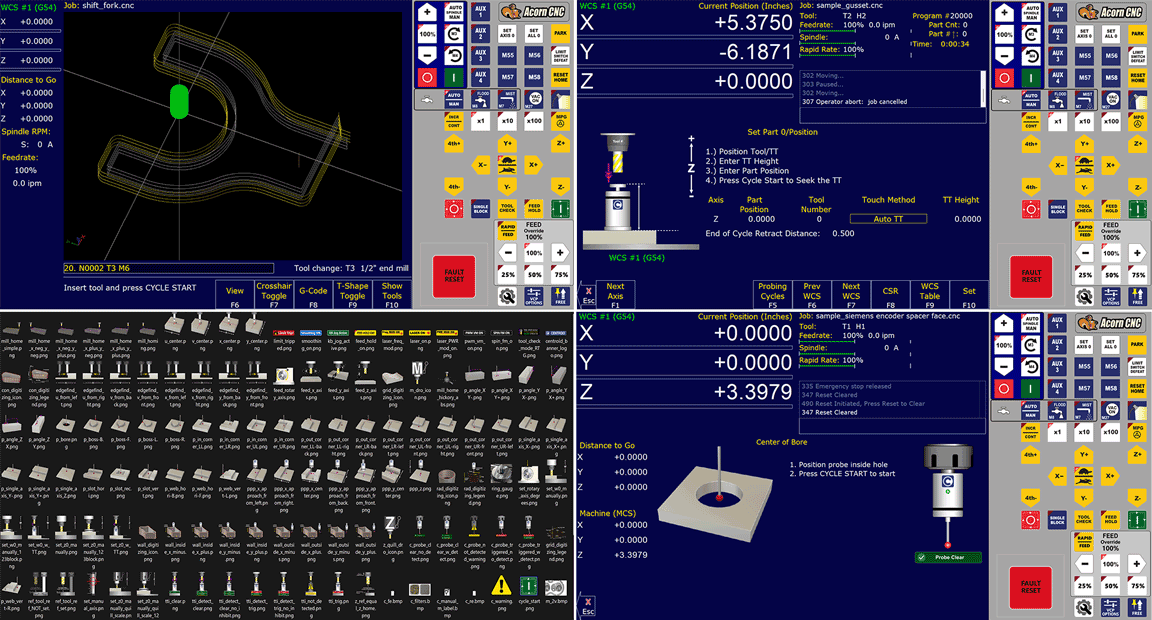
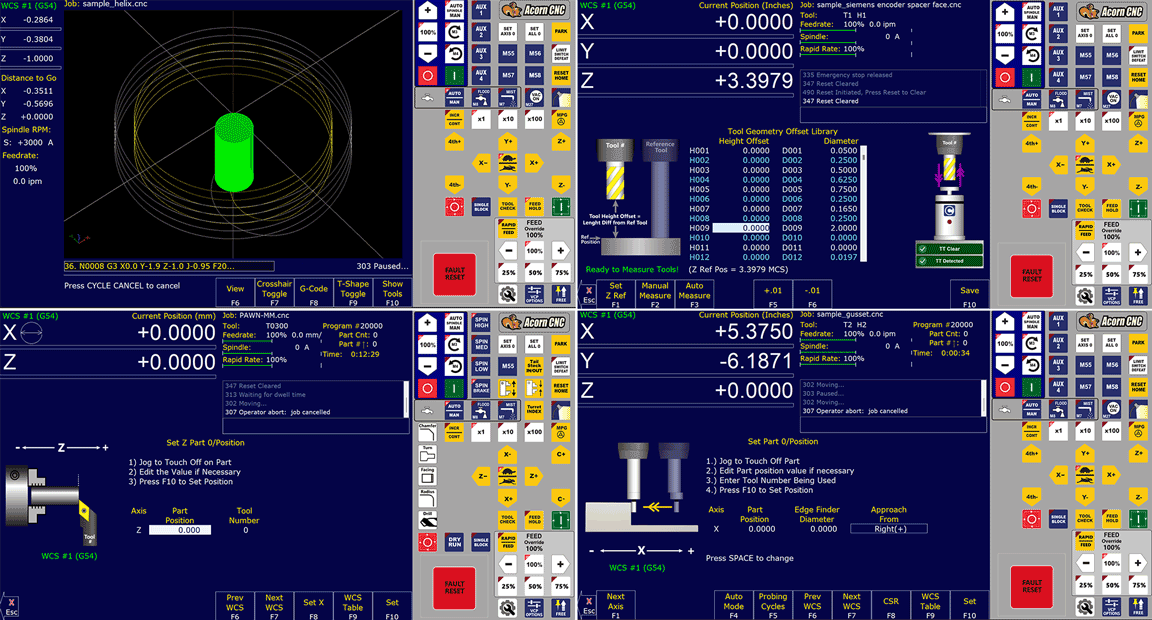
Comprehensive overhaul of CNC12 Mill graphics/text/colors. All new part setup menu graphics, all new probing menu graphics, new touch probe and tool touch indicator graphics!
To take full advantage of the new features and enhancements available in v5.42, an affordable CNC12 License Upgrade is available for purchase 24/7 through our CNC12 License Upgrade Portal. This portal will check your license unlocks for software running CNC12 4.16 or newer and show you what upgrades are available.
Two Ways to Upgrade Your Centroid CNC12 License
1.) Use the CNC12 License Upgrade Checker
Find out what upgrades are available for your Centroid controller using the new CNC12 License Upgrade Checker webpage. Simply upload a report.zip file and the page will present compatible CNC12 upgrades for your machine.

- OR -
2.) Purchase Directly from the CNC12 Licensing Menu
Alternatively, CNC12 software upgrades can be purchased directly from the CNC12 Licensing Menu within CNC12.
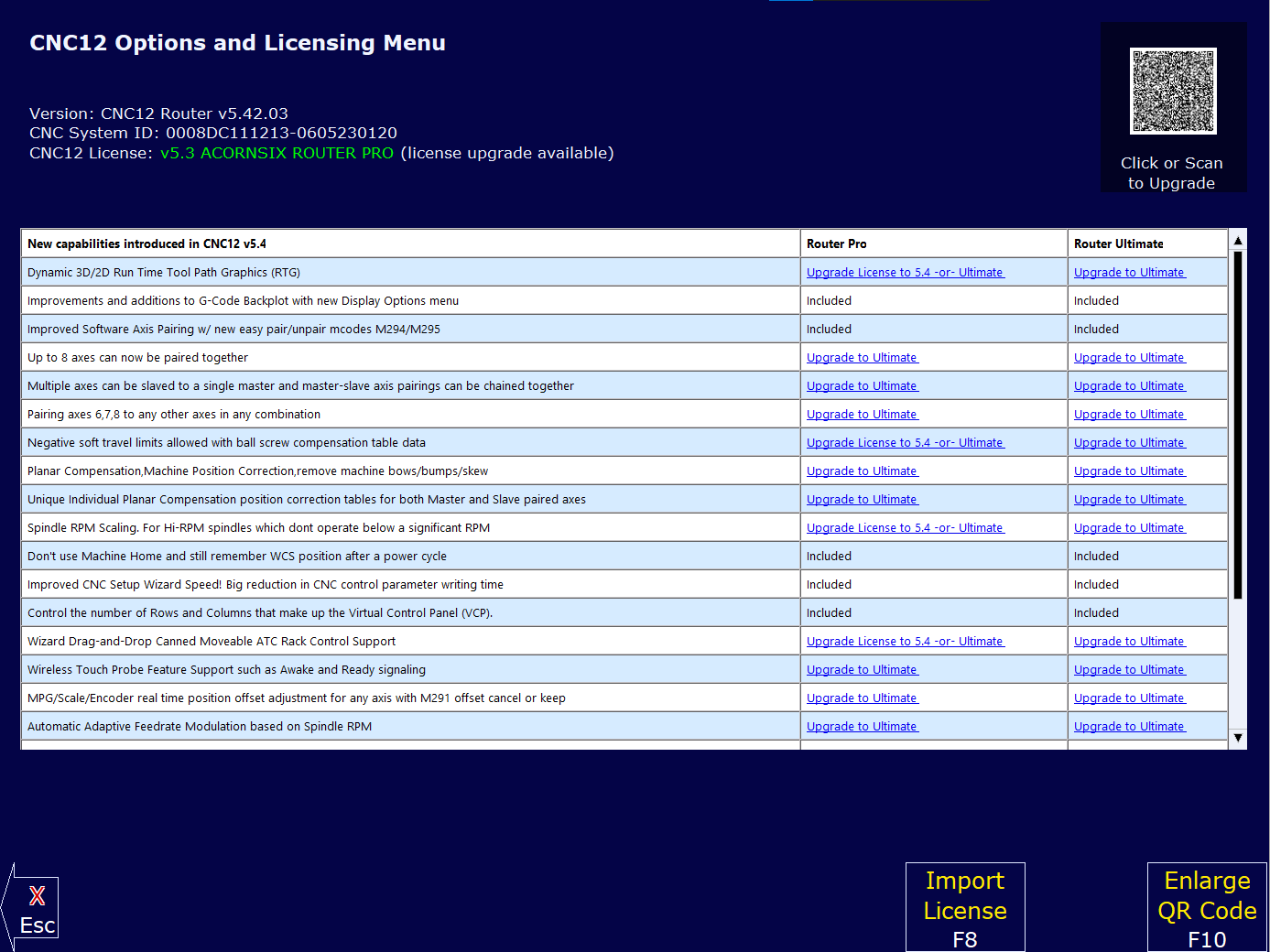
You can continue using your existing CNC12 v5.3 license with this new version but v5.4x.xx specific features will remain behind the v5.4 license. As always, CNC12 bug fixes are provided free of charge.
Want to update your software install to a newer version to take advantage of new features and bugfixes but prefer to do it yourself? Give it a try!
Click here for Centroid CNC12 v5.40+ Install and Upgrade Instructions
If needed, you can easily revert to your current CNC12 version at any time.
- OR -
Let us handle the update for you! For a fee, a Centroid CNC Technician can remotely connect to your machine and perform the CNC12 software update work.
Contact support@centroidcnc.com for more information and to schedule a remote CNC12 update session.
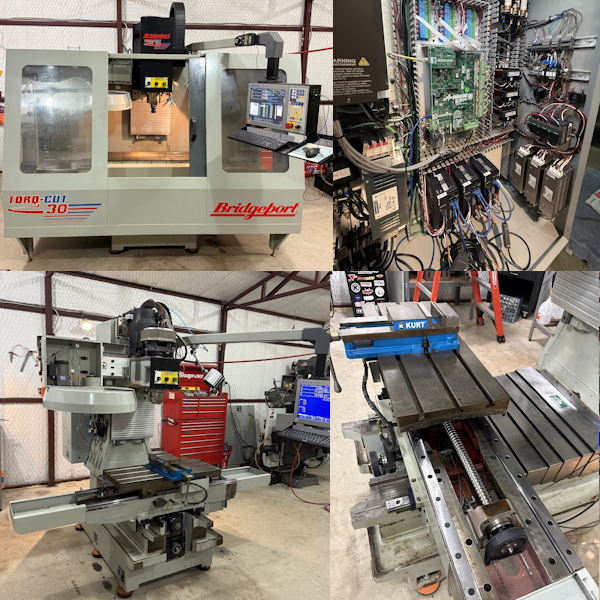
Reviving a Classic Bridgeport CNC Machining Center with a Centroid Retrofit!
 Click here to see the page!
Bridgeport Torq-Cut owner juspk says: "I've had the machine for about 10 years, in my home workshop. It was working up until the day I decided to update it with Centroid control. Searching these community boards has been a tremendous help. Thanks for all the help from Centroid and other individuals that have shared their knowledge. I could't have done it without this forum. I am not a machinist, I am a hobby-machinist, but worked in a small prototype machine shop just outside Bridgeport, CT from when I was a sophomore in HS all the way through college (early 90's). It was the best job a kid could get. Bridgeport machines are somewhat nostalgic to me. I pretty much know I went overboard with Reactors and EMI Filters for each drive, but...I'm just following the recommendations and this is my pet project :) "
|

